


1. ビジネス向け
  2. Resources
  3. Protection against linux ransomware

Linux ransomware: How to protect your business

Protecting your business from ransomware is challenging, particularly when a variety of operating systems are in use, each with their own levels of security and risk. With employees likely to be using a combination of Windows, MacOS, Linux and mobile operating systems, it can be difficult to be sure your business security is consistent.

This article looks at Linux ransomware: What it is, how much security it offers, the different types of ransomware that target devices running Linux, and what you can do to protect against its threat.

Try the Avast Business Hub FREE for 30 days

Enjoy enterprise-grade security whatever the size of your business. Download the Avast Business Hub and try it for 30 days, risk-free.

protection-against-linux-ransomware

What is Linux ransomware?

一般的に Linux ランサムウェア とは、Linux オペレーティング システム(Ubuntu や Debian などのディストリビューションを含む)をベースにしたシステムを攻撃することがある種類のマルウェアのことです。この種類の攻撃はデバイスまたはネットワークに侵入し、重要なドキュメントを特定して、それらを暗号化します。多くの場合、初めて攻撃に気づくのは、暗号化されたファイルの復号化を引き換えに支払いを要求するメッセージを受け取ったときです。個人の場合でも恐ろしいことですが、ビジネスでの場合は運営や顧客の信用に取り返しのつかない損害を及ぼす可能性があります。

Is Linux safe?

While Linux has a reputation for providing strong security measures, making it a popular option for business servers, the truth is that no operating system (OS) is completely safe from malware attacks. The nature of malware is such that human error can often be the cause of a breach – through phishing, using weak passwords, or failing to implement updates when they are available.

One of the positives for Linux users is that security updates are not only regular, but are generally considered to be highly effective, giving your system some of the best OS security available.

Another positive is that Linux automatically assigns restricted access permissions, meaning that if a malicious hacker gains access to a user account, it is less likely they will be able to access secure data or gain admin controls.

Windows and Mac operating systems are more widely used than Linux, but bad actors know that Linux is growing in popularity as the system for business servers. By gaining access to a Linux system, hackers are much more likely to be accessing a server rather than a single endpoint. For this reason, businesses should not be complacent – you must use antivirus software to reduce the risk of being attacked.

Ransomware on Linux: What happens?

Linux ransomware is an increasing concern for businesses using Linux servers. Understanding the process is vital for being able to spot suspicious network activity and other red flags. The approach from attackers varies, but the following represents the typical stages of a Linux ransomware attack.

1.脆弱性の悪用

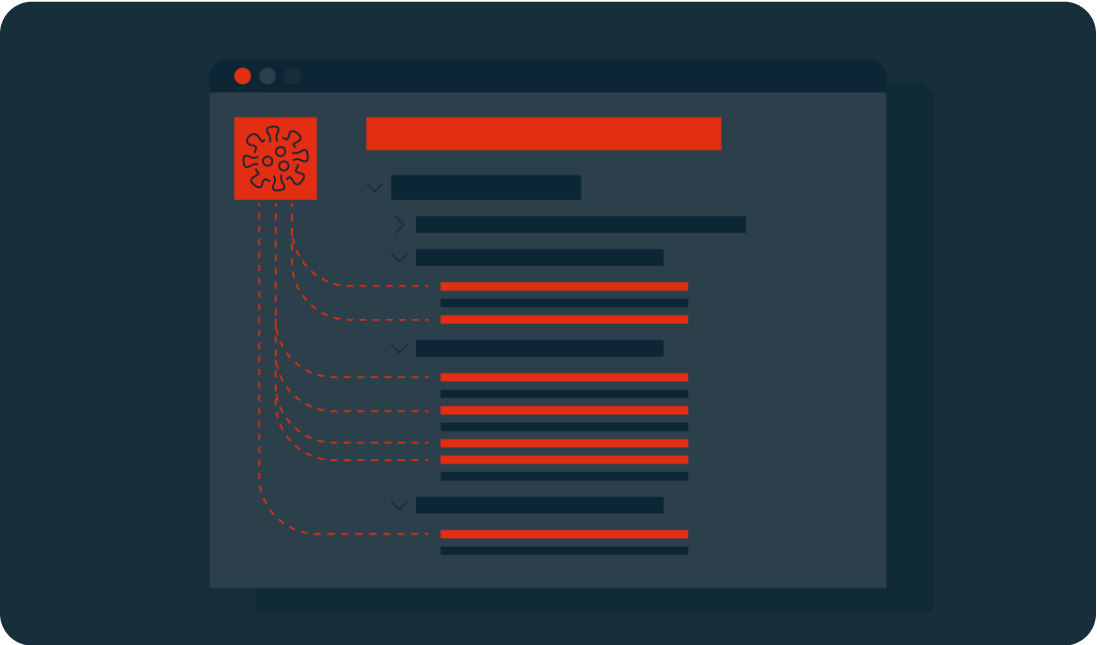
Linux ランサムウェアがネットワークにアクセスして拡散を行うためには、一般的に脆弱性を特定することが必要です。パッチが適用されていないシステム処理やサービス内の不備といった簡単なものも、こういった脆弱性に含まれます。毎日の使用に影響することがなければ、脆弱性は簡単に見過ごされてしまいます。

Linux ランサムウェアの一部の形態はスキャナーを使用し、管理者のアクセス権を使用することができる SQL インジェクションの脆弱性を特定することができます。既知の脆弱性を修正するには、アップデートと修正プログラムを適用することが重要です。

Initializing the ransomware

2. Set up

Once the ransomware is in place, it will request the download of malicious executables (typically a worm, Trojan, or virus), which can then be positioned in the network’s local directories. At this point, it will begin to function. This could mean giving itself certain access permissions and the ability to run at boot or in recovery mode.

In some cases, the ransomware will use privilege escalation to access features typically used only by high-level administrators. This bypass means that the malware could view and edit any data.

Key generation and exchange

3. Scan

The ransomware will scan the system looking for shared folders and files with specific extensions. These targets are predetermined and are likely to include document files (.PDF, .DOC) and software related to the cloud or network storage.

The malware may still not have been noticed by your business, but it could have established itself on your server and already targeted the files it will hold for ransom.

Encryption

4.暗号化

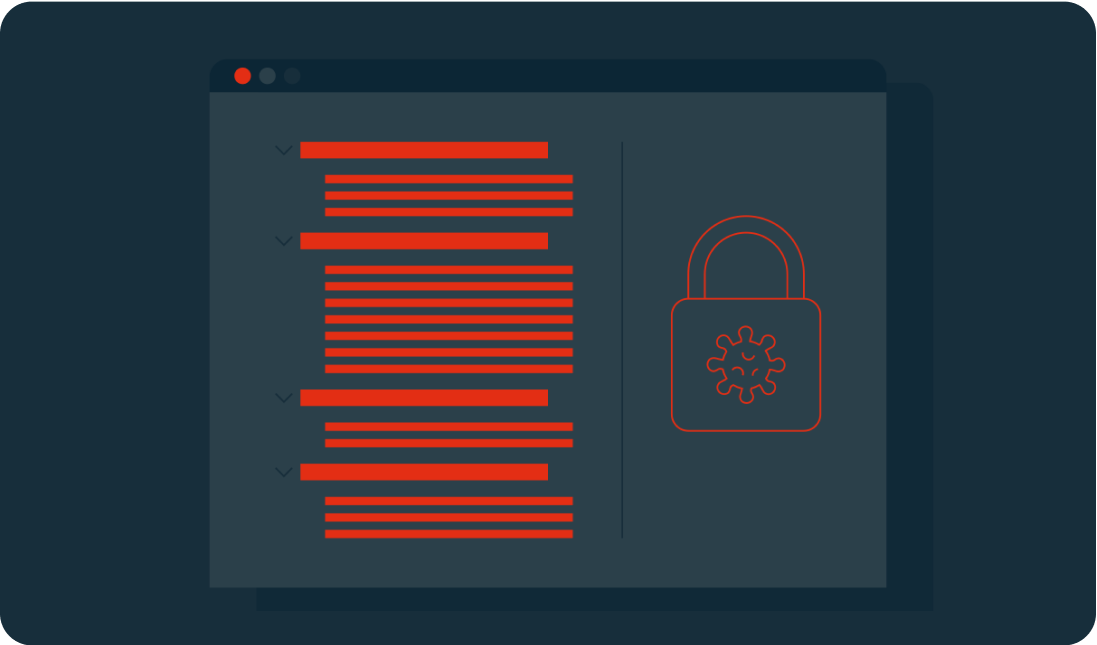
Linux システムを攻撃するこの段階で、ランサムウェアは標的ファイルの暗号化バージョンを作成し、元のファイルを削除します。使用される暗号化の種類によっては、これが取り返しのつかないことになります。

多くの暗号化方式はデータの暗号化と復号化に鍵のペアを使用しているので、非対称方式と呼ばれています。通常、一方の鍵は公開され、視認できますが、もう一方の鍵は非公開で作成者のみが保持します。ランサムウェアはサイバー犯罪者のサーバーとコンタクトし、公開鍵を取得して暗号化処理を始めます。

Demands

If devices are not connected to the network at this point, the attacker will wait until the users are back online before also encrypting their files.
Common types of encryption include:

  • AES – the Advanced Encryption Standard (Rijndael) is a standard created by the U.S. National Institute of Standards and Technology. Keys can be 128, 192, or 256 bits (the higher the number is, the more complex the encryption).
  • RSA – is a public-key system that was developed in 1977. Its name is an acronym of its three creators: Rivest-Shamir-Adleman. They are typically 1024 or 2048 bits long, making them difficult to break.

5. Demands

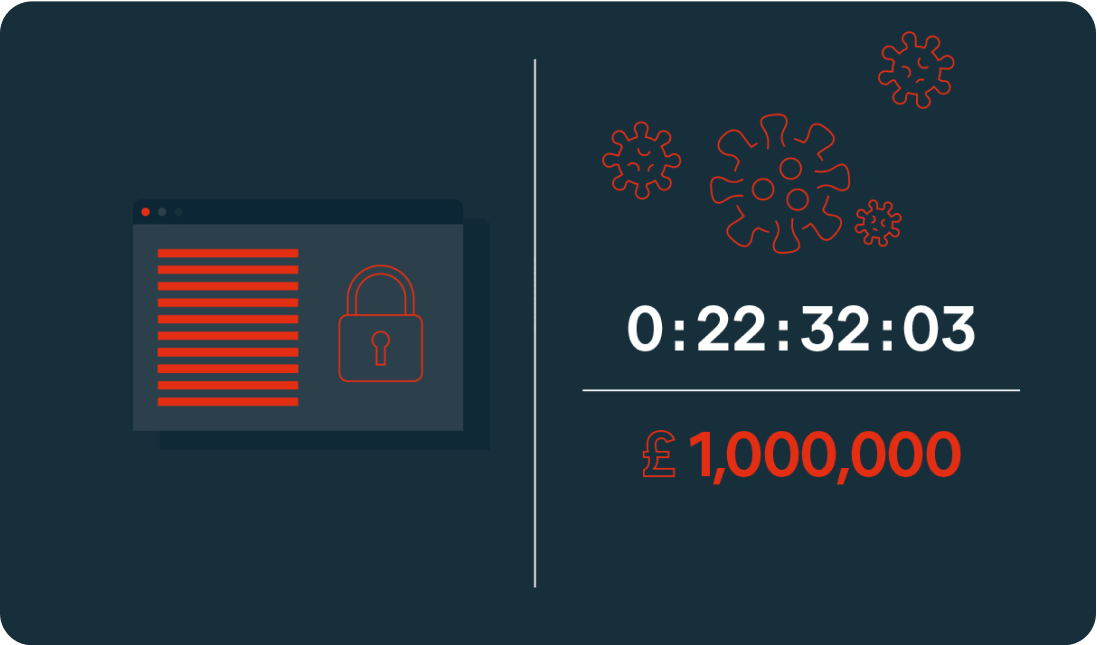
In the final stage, the demands of the extortion are made through a ransom note. This may be in the form of a startup message, a document placed on a desktop, or in the location of the encrypted files. The ransom will usually include payment instructions. Some will also include a deadline or countdown, which could see the ransom increase over time or threaten permanent file deletion if payment is not made in time.

At this point, the ransomware has completed its task.

Sodinokibi Decryption

Types of Linux ransomware

Tycoon

The first instance of Tycoon was spotted in 2019. It is typically used to attack SMBs and higher education organizations. It can infect both Linux and Windows devices.

System access is gained through a ZIP archive containing a malicious Java image file. An unsecured remote desktop protocol is then used to execute the Java object, which will encrypt the system and leave a ransom note.

Attacks typically offer a 60-hour window for payment via Bitcoin. In some cases, the amount increases daily.

QNAPCrypt

This attack focuses on Linux-based network-attached storage (NAS) devices. Distribution is typically through fake updates and infected files, including ZIP archives.

QNAPCrypt’s point of entry is flawed authentication of a SOCKS5 proxy (an alternative to a VPN that protects data packets during transfer) and has a low detection rate. Once a system is compromised, the malware requests a Bitcoin wallet and a public RSA key from the hacker’s server before encrypting the victim’s data.

Once encryption is complete, the ransom information is left in a .txt file. Each victim is given a unique Bitcoin wallet in which to pay the ransom, helping the attackers avoid detection.

RansomEXX

近年では RansomEXX (別名 Defrat777)が Linux デバイス上で最も一般的なランサムウェアの形態の 1 つになりました。Windows のマルウェアとして誕生しましたが、Linux サーバーを攻撃するために頻繁に使用されるようになり、特にブラジル政府テキサス州運輸省、チェコ共和国のブルーノ大学病院などに対する攻撃で知られています。

この種類のランサムウェアは「大物狙い」と呼ばれ、大規模な組織や政府を標的として多額の身代金支払いを確保する目的でたびたび使用されています。このマルウェアは複数のエンドポイントを攻撃するのではなく、サーバーに直行し、ファイルのソースへのアクセスを制限するため、Linux サーバーがこの種類の攻撃の主な目標になります。

RansomEXX は通常悪意のある Word ドキュメントを含むメールで配信されます。ドキュメントを開くと、トロイの木馬がユーザーのシステムにダウンロードされ、ファイルを暗号化し、256 ビットの暗号化キーを生成します。その後、そのキーは 1 秒ごとに再暗号化されます。

Erebus

Erebus was first seen in 2016 as a Windows-based ransomware. It was used for the first time against Linux systems in 2017 for a high-profile attack on the South Korean web hosting company NAYANA. 153 Linux servers and more than 3,400 business websites were affected. The ransom of $1 million in Bitcoin set a record at the time for the highest fee paid.

Erebus relies on the user clicking on malicious links or opening infected emails attachments. It can also gain access to a system through malicious software, such as fake installers.

The ransomware scans for a wide range of file types to encrypt including databases, archives, and documents. The encryption process used is difficult to crack, as it uses a blend of three different cryptosystems (RSA-2048, AES and RC4). The ransomware also deletes Shadow Volume Copies of the operating system, making recovery even harder.

KillDisk

KillDisk is another ransomware that began on Windows before being adapted to Linux. The Linux version of KillDisk encrypts each file with a different set of 64-bit encryption keys. It then prevents the system from booting by overwriting the bootloader, instead presenting the user with a full-screen ransom note demanding payment in Bitcoin.

The Linux version of KillDisk then varies from Windows: The keys required to decrypt the data are not stored locally or sent to a server during a Linux attack, meaning that the encryption tool was most likely written to be destructive rather than for extortion. If no encryption key exists, the files are unlikely to ever be recovered, regardless of whether the ransom is paid.

Protect against Linux ransomware

Linux ランサムウェアは特にビジネス ユーザーにとって増大する脅威です。ランサムウェア攻撃からビジネスを守るために取るべき行動には以下が挙げられます。

  • アップデートを定期的にインストールします。すべてのサーバーとエンドポイントを常に最新の状態に保ちます。セキュリティ パッチとソフトウェア修正プログラムが利用可能になったら、すぐにインストールする必要があります。
  • アクセス権を制限します。ユーザー アカウントへのアクセス権は、ポリシーで最小限にしておく必要があります。ユーザーには、業務の遂行に必要なファイルとアプリケーションへのアクセス権のみを付与します。
  • データをバックアップします。データの安全なバックアップを保持することは、攻撃による潜在的な被害を最小限にするために重要です。
  • セキュリティ戦略を確立します。多くの攻撃は、人間のミスに依存してネットワークへのアクセス権を得ます。このリスクは、スタッフ研修、セキュリティ ソフトウェアの導入、強力なパスワード、安全なメール、エンドポイント セキュリティに関するベスト プラクティスの実施といったセキュリティ戦略の導入によって大幅に軽減することができます。
  • 定期的な点検と脆弱性評価を実施します。システムを定期的に監視し、慎重に評価を行う必要があります。このプロセスの一環としてイベント ログを確認し、不審なアクティビティを特定する必要があります。
  • 対応策を用意します。オフィスにおける火災安全対応策と同じように、ランサムウェア戦略を作成し、攻撃時の対処方法をスタッフに周知徹底します。この目的は、被害を最小限に抑え、スムーズに復旧できるようにするためです。


Find out more in the article “How to secure your Linux server”.

Advanced antivirus for Linux servers

While Linux offers some of the best OS security available, it is not enough on its own to keep your business data and server safe and secure. Protect your company with dedicated Linux malware and endpoint protection.